Use AI directly in your Synera workflows with the new OpenAI add-in
Engineering automation works best when it is predictable. Deterministic workflows give you repeatable, auditable results that you can trust in production. But what happens when your workflow encounters data that requires interpretation, such as text in an email, handwritten notes on a drawing, or technical specifications buried in a PDF?
The new OpenAI Add-In for Synera lets you use OpenAI large language models (LLMs) directly within your automation workflows. This gives you access to powerful AI capabilities for specific tasks while keeping the overall workflow deterministic and under your control.
Why Combine AI with Deterministic Workflows
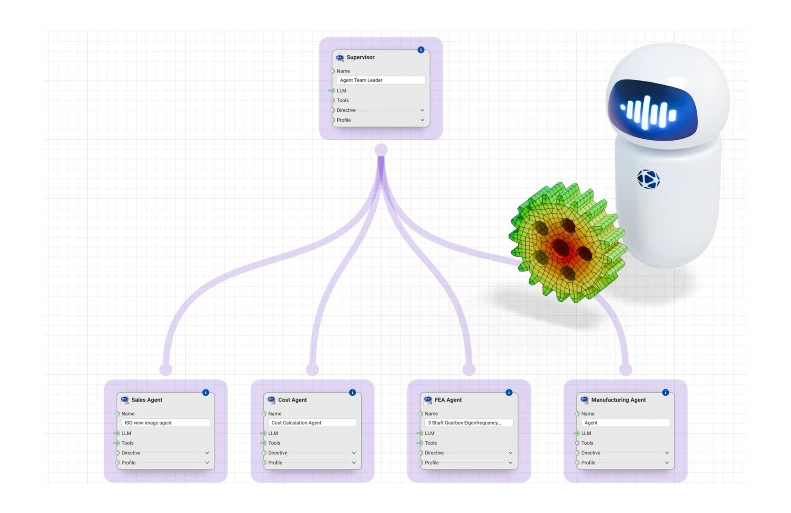
Agentic AI systems, where AI orchestrates multiple steps and makes decisions autonomously, can be powerful, but they also introduce unpredictability. When things go wrong in a system with more agents, debugging can become complex because the failure could originate at any level of the orchestration.
The OpenAI Add-In takes a different approach: the Synera workflows remain deterministic. Users define the inputs, the sequence of operations, and the outputs. AI handles only the specific tasks, such as extracting structured data from unstructured text or interpreting visual information from an image. The rest of the workflow continues to behave exactly as the user designed it.
This architecture reduces risk. If something unexpected happens, users know exactly where to look because the AI interaction is isolated to specific nodes in the workflow. The deterministic parts of the process continue to work as expected.
How It Works
Engineers who have access to the OpenAI platform can create what OpenAI calls "assistants", which are essentially LLMs that you configure with specific instructions, a selected model, and a defined purpose.
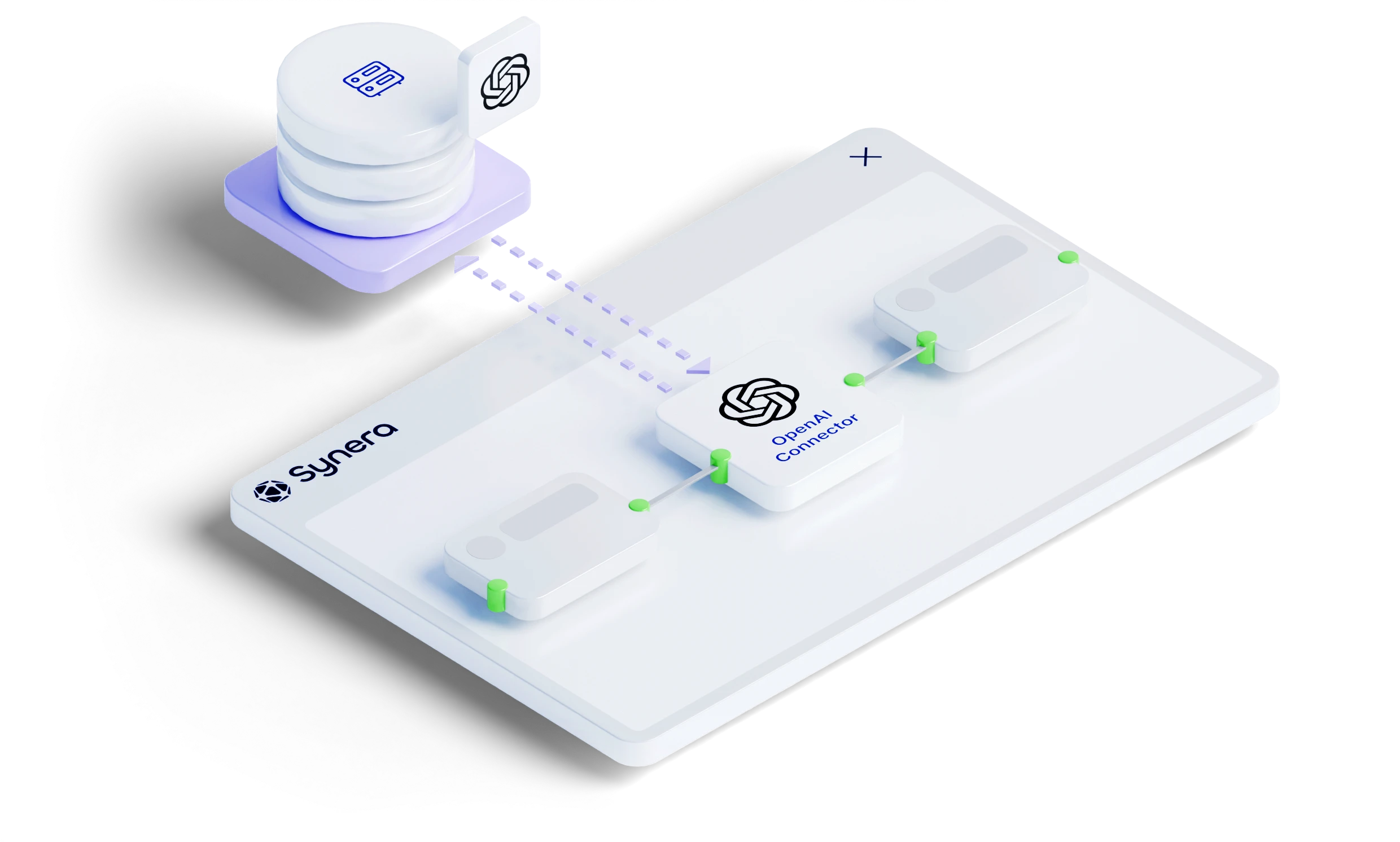
Within Synera, you can then call the pre-configured assistants from dedicated nodes in any workflow. The data flows into the AI node, gets processed, and the result flows back into the deterministic workflow for further processing.
The setup is straightforward: configure your assistant in OpenAI's platform with the instructions and model you need, then reference it from your Synera workflow. From there, the possibilities are broad. Anything AI can do, such as text generation, data extraction, document analysis, or image interpretation, becomes available within your automation.
Practical Use Cases
The most obvious applications involve data extraction and interpretation of tasks that would be tedious or impossible to automate with traditional rule-based approaches. These include:
- Technical drawing analysis: Extract dimensions, annotations, or revision notes from scanned drawings. AI can interpret handwritten markings or read text that optical character recognition (OCR) alone would struggle with.
- Document processing: Parse emails, specifications, or reports to extract structured data. Instead of building regex patterns, let the AI understand the content and return the fields you need.
- Data normalization: Convert inconsistent formats, units, or naming conventions into standardized formats for downstream processing.
- Quality checks: Have AI review data for anomalies or flag entries that require human attention before the workflow continues.
Getting Started
To use the OpenAI Add-In, you need access to both Synera and the OpenAI platform. The workflow is:
- Create an assistant in OpenAI's platform with your specific instructions and model selection.
- Visit the Synera Marketplace to install the OpenAI Add-In in your Synera environment.
- Configure the connection between Synera and your OpenAI account.
- Add the OpenAI nodes to your workflow where you need AI capabilities.
- Test and iterate on the assistant’s instructions until you get the results you need.
New to Synera and want to explore more? Check out our demo and webinar with NASA: How to Deploy AI Agents in Engineering Teams