Synera AI Agents Create Standards-Compliant Fastener Holes with Hole Wizard Add-In
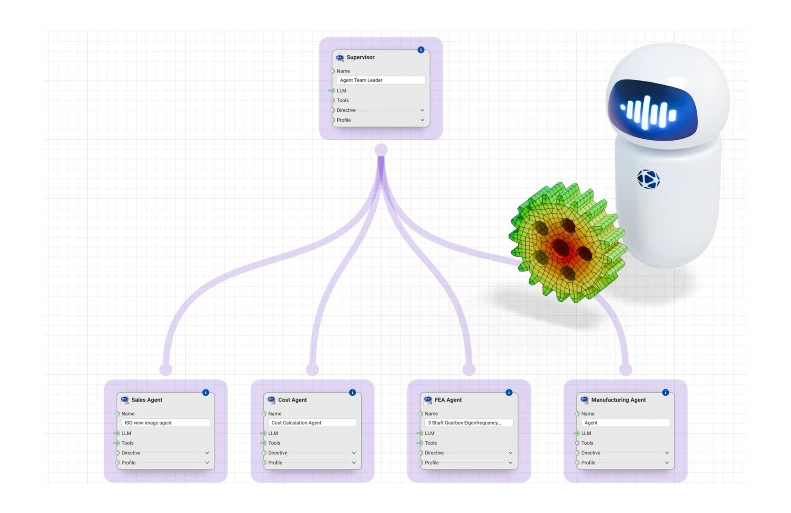
The Hole Wizard Add-In by Pathfinder Labs is designed for engineers and CAD designers who work with bolted joints, threaded inserts, or riveted connections in Synera. If fastener hole creation and creating drawing callouts is part of your regular workflow — and for most structural and assembly designers, it is — Hole Wizard removes one of the most repetitive and error-prone steps in that process. Synera customers with agentic systems can use agents to run the work completely autonomously.
Every Bolted Joint Again and Again
Mechanical, aerospace, and automotive engineers design fastener holes constantly. It's one of the most routine tasks in any assembly workflow, and one of the most error-prone.
Every clearance hole, tapped hole, threaded insert, or rivet hole requires the engineer to look up the correct drill diameter from standards documents like ISO 273, ASME B18.2.8, or NAS1130. Then manually model the geometry. Subtract it from the solid body. Update drawing callouts. Then do it again for the next hole and the next size change.
For an assembly with dozens or hundreds of fastener locations, this process compounds quickly into hours of tedious, repetitive work. And when a value is misread or mistakenly transposed from a reference table, the costs show up much later, in manufacturing rework, not in the CAD file.
Standards-Compliant Holes in Seconds
The Hole Wizard Add-In, developed by Pathfinder Labs, eliminates this burden entirely in Synera. Engineers select a fastener type and size from a dropdown, and the correct standards-compliant hole geometry and related drawing callouts are created automatically inside Synera. No more table lookups, manual modeling, and recalculation.
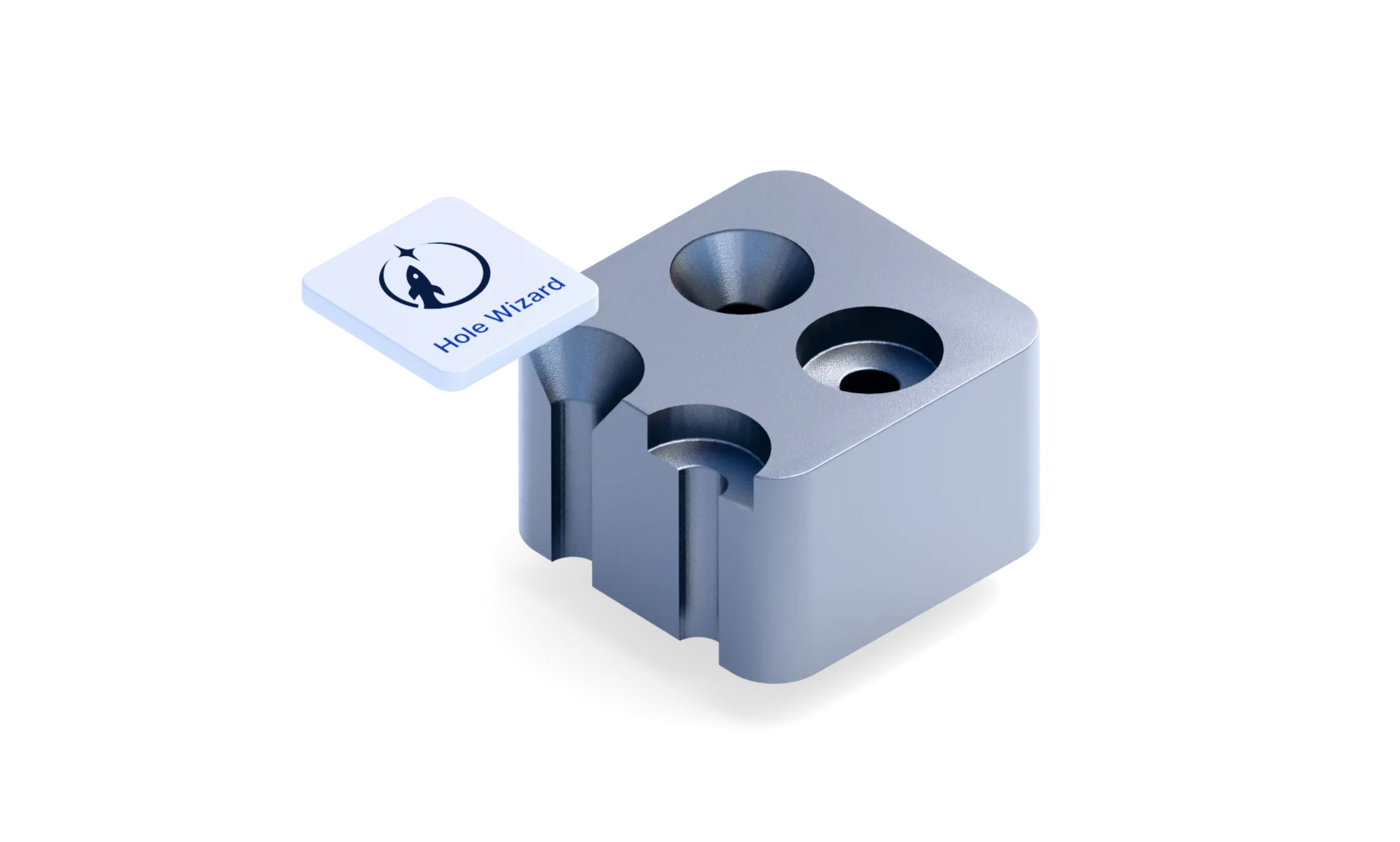
The add-in covers four hole types:
- Clearance
- Tapped
- Threaded insert
- Rivet
It supports both metric (ISO) and U.S. customary (UNC/UNF) fasteners in a single unit-aware workflow, and draws drill sizes directly from ISO, ASME, and manufacturer catalogs including KATO, Helicoil, Keensert, and TimeSert. The result is geometry you can trust, sourced from the same standards your manufacturing team has.
"Fastener holes are one of the most repeated tasks in mechanical design, and it’s hard to believe that in 2026 engineers are still spending valuable hours cross-referencing standards tables and hand-modeling this geometry over and over again. This automation touches daily work hundreds to thousands of times across a manufacturing organization. The fact that engineers can now handle that inside Synera with speed, precision, and connected to everything else in their workflow, is exactly what we're building toward."
— Andrew Sartorelli, Head of Product at Synera
From Hours of Repetition to Seconds of Configuration: A Real Aerospace Example
Consider an aerospace engineer designing an aluminum bracket that requires six M6 threaded insert holes for Helicoil-style helical wire inserts.
Without Hole Wizard, the engineer opens the NAS1130 specification, locates the required drill diameter for an M6 heavy-duty helical insert (8.4 mm), manually models a cylinder at each bolt location, boolean-subtracts it from the solid body, and creates each drawing callout by hand, only to repeat these steps for dozens or hundreds of fastener locations and for every size revision.
With Hole Wizard, the same result takes a few mouse clicks:
- Drop in the Threaded Insert Hole node
- Select the hole type, here it’s "Helical Wire"
- Pick the fastener and set wall thickness, in this case to "M6 x 1" and "Heavy Duty"
- Connect the bolt-circle points
- All 8.4 mm holes are created instantly
- An ASME Y14.5 drawing callout is generated automatically, keeping engineering documentation synchronized with the 3D model, reducing errors during design reviews and handoffs to manufacturing.
What previously demanded significant engineering time across lookup, modeling, and documentation is reduced to a few dropdown selections, reducing the chance of errors, preventing costly rework downstream, and freeing up hours to do more valuable work.
With AI agents, these steps can be completed autonomously, removing the task entirely from engineers’ workload. Just prompt the agent and let them do the work in Hole Wizard.
Fully Parametric for Instant Fastener Comparisons
Pathfinder Labs’ Hole Wizard Add-In is fully parametric inside Synera. Changing a fastener size, fit class, or insert type automatically propagates through the entire model: updating hole geometry, countersinks, counterbores, and ASME Y14.5 drawing callouts simultaneously.
This makes it especially valuable during design reviews, where fastener alternatives are frequently explored. Switching from M6 to M8, or from a clearance hole to a threaded insert, takes seconds rather than requiring a full re-modeling effort.
Optional cosmetic V-thread geometry also enables photorealistic renderings and 3D print previews directly from the Synera model, without the need for a separate CAD tool.

“Beyond speed, the quality impact is significant. Engineers working with Pathfinder Labs' standards database inside Synera get the accuracy they need without breaking their design flow. That combination is what makes this genuinely useful across fast-moving programs. For teams running frequent design-build-test cycles in automotive or aerospace programs, the 3D model synchronization alone removes a persistent source of delay.”
— Matthew Vaerewyck, Founder, Pathfinder Labs
Visit the Synera Marketplace to install the Hole Wizard Add-In today or reach out to your IT admins to request internal access to it.